DaviaDavia wiki
For creators

Creation Walkthrough

Build a game from blank editor to published, tab by tab. You'll follow the step-by-step creation of a game - Bloodlines of Manhattan, 1932.

Open the editor

Open the game generator

You'll need to be signed in to work on the editor.

Davia game generator editor

The editor is where a game takes shape. You build from left to right across five tabs: Game, Entities, Map, Simulation rules, and Additional. Your draft auto-saves as you work.

The path is simple: define the pitch in Game, build the cast in Entities, ground them in the world in Map, set the house rules in Simulation rules, and attach reference material in Additional.

Game

The Game tab gives players the first promise of what they are about to enter. The title names the game, the subtitle gives it a quick hook, and the premise explains the central situation in a few direct sentences. The story description gives the broader world context: geography, politics, tensions, customs, power structures, and the everyday reality the characters and player will move through.

Davia game tab filled with title, subtitle, premise, and story description

For Bloodlines of Manhattan, 1932, the pitch stays focused on one quiet moment: the Commission is weeks old, Prohibition has months to live, and a soldier with too much ambition for his rank still has time to climb. Everything that follows pulls on that one sentence.

Entities

Davia entities tab with Vito Renza and Vito Genovese

Entities are the people, creatures, and characters that live in your game. Place an entity on the map and players can choose that character as their starting role. Every entity can also appear, move, react, and change through play.

The fields below cover what each card asks you to define, from the character's name to whether the creator wants to highlight them. Starting places are set later from the Map tab, so the entity card stays focused on who the character is.

Place at least one entity on the map before publishing. Players need a starting cell to choose from.

Bloodlines of Manhattan highlights four recommended starts — Vito Renza (Luciano family soldier, Mulberry Street), Sally Marra (Bonanno holdout, Bensonhurst), Sonny D'Amato (Mangano family, Red Hook docks), and Saul Rosen (Lepke's man, Brownsville). The wider cast includes Lucky Luciano, Vito Genovese, Frank Costello, Vincent Mangano, Joe Bonanno, Joe Profaci, and Tommy Lucchese, with figures like the Tammany fixer Jimmy Hines and the federal agent Ted Hale sitting one move away from the player.

Map

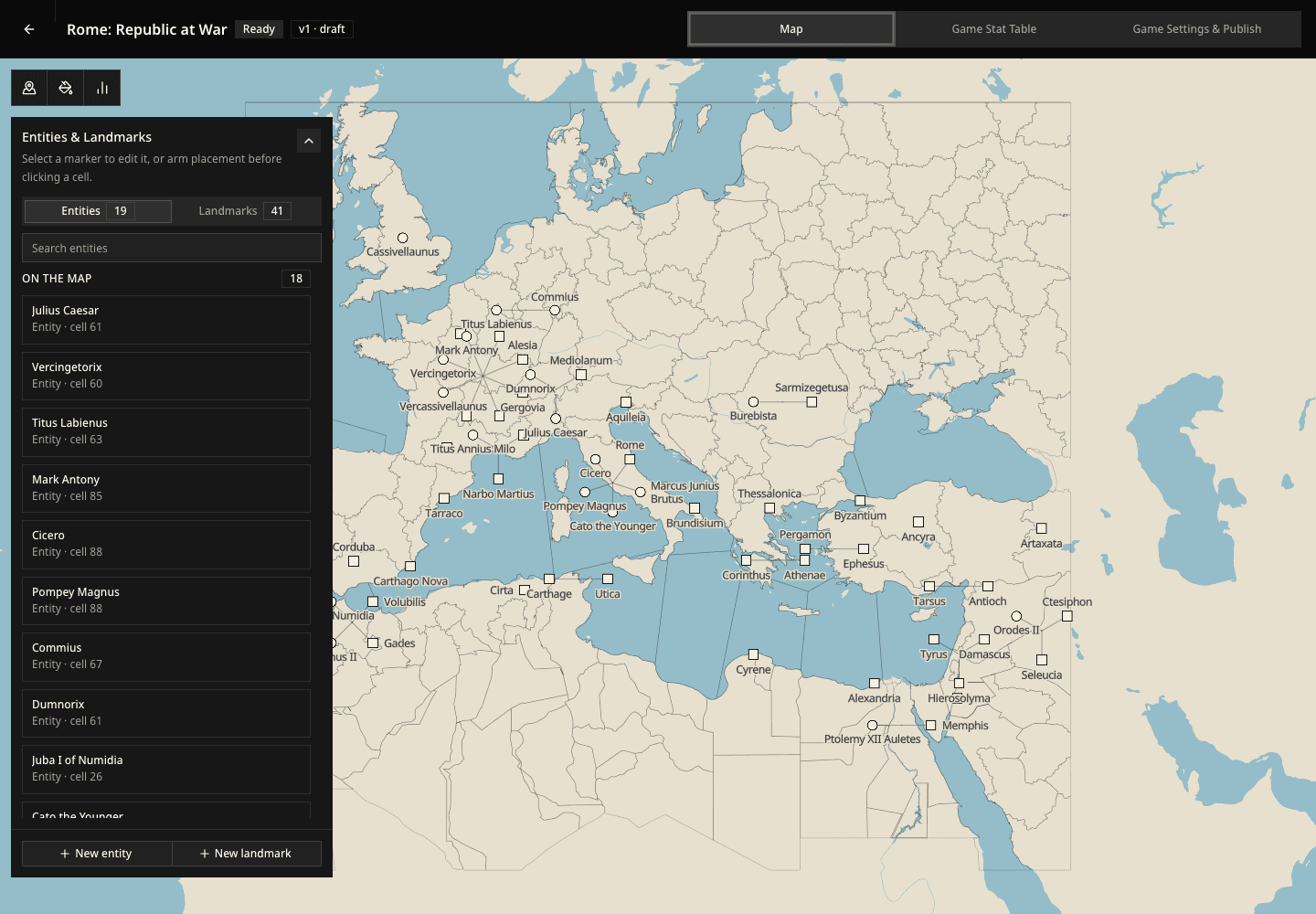
The map is how a game becomes a world players can move through. Every game has a map made of cells. Players travel across that world during play, and you can turn any cell into a point of interest by naming what is there, writing what matters about it.

Pick a map

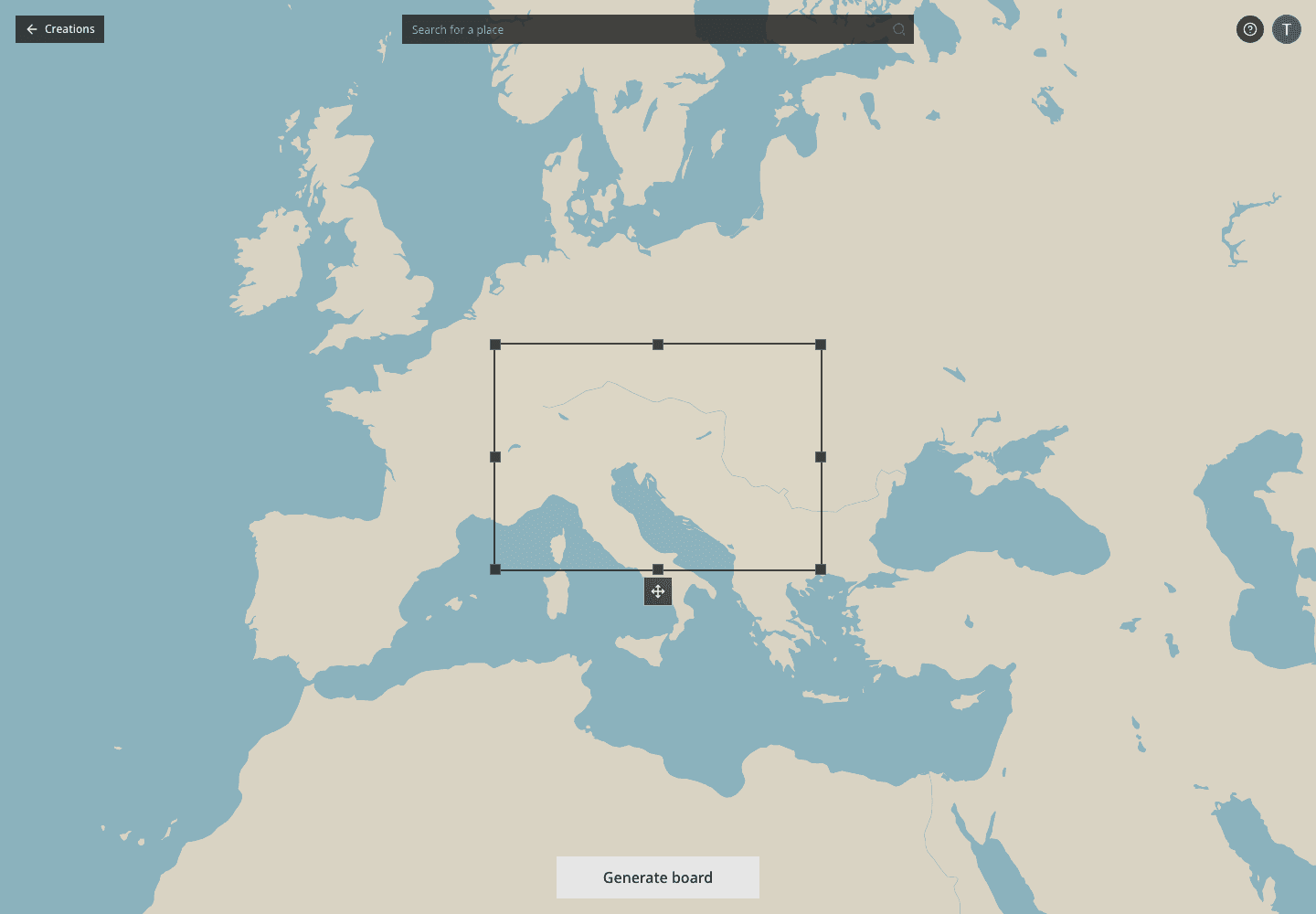
The map gives your game a place to begin and places to discover. Choose one of the nine built-in presets or upload your own .map file exported from Azgaar. If you want to create or reshape the geography yourself, do that in Azgaar, export the saved .map file, then import it here before publishing.

Davia map loader with preset maps and upload area

Place a point of interest

A point of interest is a place on the map your story can visit. Once a map is loaded, click a cell to open its notes panel. A blank map is fine at first; the interesting parts appear as you name places.

The cell-notes panel turns a map cell into a story place. Give the cell a title, write what is there, and drop reference images or notes if the location needs a specific look.

Davia map cell panel with Mulberry Street point of interest

In Bloodlines of Manhattan, the first place is Paolucci's at 149 Mulberry Street, the Luciano family's daylight hangout in Little Italy. Places of interest give Davia a real address to hold scenes in.

Place your entities on the map

A playable entity's position on the map is where a player starts when they choose that character. Inside the cell-notes panel, the Initial entities section lists your cast and lets you assign each one to the selected cell.

Different playables can live on different blocks, so the same game can begin in several places depending on who steps into it. Non-playable entities also get a cell, but only to tell the simulation where they live and operate in the beginning of the game.

Davia map panel with initial entities assigned to a cell

Bloodlines of Manhattan ships with four playables placed at four different blocks. A player who picks Vito Renza opens the game at Paolucci's on Mulberry; pick Sally Marra and the game opens in Bensonhurst; pick Sonny D'Amato and it opens at Pier 5 in Red Hook; pick Saul Rosen and it opens at the Midnight Rose in Brownsville. Same world, four different first scenes.

Review your points of interest

Davia cell notes summary with the points of interest

The summary grid is your quick review before publishing. Each card stays editable inline, and entity markers show where your cast begins. Removing a card removes that point of interest from the world.

If the geography itself needs to change, go back to Azgaar, export a fresh .map file, and import it again. The notes you add here are for game-specific places, secrets, images, and starting positions.

General map notes

Use General map notes for anything the .map file cannot say by itself: regional structure, travel constraints, scale, political borders, important routes, weather, neighborhood rules, or boundaries the game should respect. This is free-form guidance for the whole map, so write the facts Davia should remember even when no single cell owns them.

Other map reference files

Use Other map reference files when you have useful map context in another format: PNG, PDF, JSON, GeoJSON, Markdown, or plain text. These files complement the Azgaar .map source; they help explain the world, but they do not replace the .map file Davia uses as the playable geography.

Stats and simulation rules

Stats and simulation rules together describe how Davia runs your game. Stats are the player-visible numbers and statuses that represent the world state. Simulation rules tell Davia what kind of game this is and how those stats should evolve. Both fields are free-form by design.

Davia simulation rules tab with the Bloodlines of Manhattan rules

Stats

Stats render in a panel in the top-left of the play screen as a list of label and value rows. Each stat you declare is shown to the player and can be mutated by Davia at the end of any turn. Stats are optional: a game with zero stats runs fine and the panel simply does not appear.

Each stat has four fields:

  • Label — the player-facing name, like Approval or Treasury.
  • Id — a stable kebab-case or snake-case identifier referenced by the AI when it changes the value. Pick something short and memorable: approval, treasury, tension. Once a game is published, do not rename ids — playthroughs store values by id.
  • Initial value — the value every new playthrough starts with. Always a string, including any unit or symbol: 50%, €0, Critical.
  • Description & format — a short instruction that does two jobs. It tells the player what the stat means, and it tells Davia exactly how to format the value when it updates. Be explicit about units, symbols, and ranges.

Good description: "Population approval rating in percent (0–100). Always render as <N>% with no decimals."

Good description: "Current treasury balance. Always render with a currency symbol matching the leader's nation (€, $, ¥, ₽, ₹) and an M or B suffix for millions or billions, e.g. €-2,000M."

Good description: "Diplomatic tension with NATO. Render as one of: Cordial, Strained, Hostile, War footing."

Per-entity initial values

Stats describe one of two things: the world (treasury, weather, tension) or the incarnated character (health, gold, reputation). World stats start at the same value for every playthrough — set them in Initial value and you are done. Entity stats are different: the player will not approve of Macron and Trump the same way. For those, the Initial value is the default fallback, and you click Override per entity to give specific entities a different starting point.

The override dialog lists every entity declared in your Entities tab. For each one, you choose between Use default (the value you set above) and Custom value (a value just for that entity). An entity without an override always falls back to the default — so you only need to override the ones that need to differ.

Concrete example in a World Presidents game:

  • approval keeps 50% as the default.
  • Open the override dialog and set Macron to 38%, Trump to 42%, Putin to 78%.
  • Lula, Modi, Meloni, Xi are left on default — they each start at 50%.

The override is purely about the starting point. Once a playthrough is underway, the stat lives a normal life — it moves with the prose just like any other stat.

Simulation rules

Simulation rules are the free-form directives Davia obeys at the system level. Use them to:

  • Set the clock — give the game a precise starting moment when time matters: an in-world date, a timezone, and how fast the story should move. A school story, a trial, a heist, a voyage, or a political crisis all behave better when the first scene has a real clock under it.
  • Reference your stats — name the stat ids you declared above and explain when and how they should move. "After a costly policy, lower approval by 5–15 points and adjust treasury proportionally." "Every major crisis must move at least two stats."
  • Frame historical or canon constraints — if the game is built around a widely understood real-world or fictional situation, declare which events may happen, fail to happen, move earlier, move later, or change shape depending on what players do.

If the game needs to stay close to a known sequence, give rough date windows for the major pressure points so Davia understands the intended order without forcing every scene.

Additional markdown files

Drop markdown or text files here when the rules need more structure than the main field can comfortably hold. These files are good for mechanics, glossaries, examples of scenes, factions, timelines, or reusable house rules that Davia should keep in mind while running the game.

Bloodlines of Manhattan tracks four numbers on each soldier as simulation rules without exposing them as stats:

  • Respect — how feared and trusted the soldier is by other made men. Climbs with successful jobs, drops when a soldier flinches under pressure.
  • Heat — federal and police attention. Climbs with sloppy crimes, drops with payoffs through Frank Costello.
  • Family Loyalty — how the boss reads the soldier. Climbs with tribute paid on time, drops with missed tribute or public mistakes.
  • Money — tracked in 1930s dollars. Fifty a week is comfortable, five thousand is boss-tier. Can be seized by federal action if Heat climbs too high.

These four track silently in the prose only. If you want any of them visible to the player and animated each turn, declare them as Stats above and reference their ids in your simulation rules.

Additional

Davia additional tab with visual style, music prompt, poster prompt, and reference fields

The Additional tab sets the look, feel, and reference material of your game. Choose a visual style that locks generated visuals to one art direction, give Davia a brief for the soundtrack, and add any extra context the game needs: references, lore notes, mood boards, source documents, or production constraints.

Visual style

Davia can generate visual assets while a game is being played: illustrated scenes, points of interest, character-adjacent visuals, and other images that help the world feel consistent. Visual style fixes the shared look for those visuals. Pick one of the six presets or write your own free-form direction for medium, period, lighting, texture, camera, references, and what generated images should avoid.

Same scene in cinematic realism styleSame scene in pixel adventure style

Same scene rendered with Cinematic realism on the left and Pixel adventure on the right. Pick the style that matches the feel you want players to see throughout the game.

Music prompt

The Music prompt becomes the game's background music: one instrumental track, about two minutes long, designed to loop while players explore. The strongest prompts describe the actual score instead of an ambient soundscape, because non-musical sounds can be layered separately from the music.

Music-generation-ready prompts cover five axes: tempo or BPM, key and mode, instruments and their roles, dynamics, and texture or atmosphere tied to the arrangement. Keep the prompt specific, instrumental, lyric-free, and loopable.

Avoid genre names, artists, bands, albums, films, soundtrack references, vocals, lyrics, singing, ambient sounds, foley, weather, crowds, footsteps, and section markers like [Verse] or [Chorus]. A good format is two to five comma-separated sentences that ask for about two minutes and a clean loop.

Example for Bloodlines of Manhattan, 1932: 72 BPM in D minor, sustained low cello drone with sparse plucked harp arpeggios, melancholic and unresolved, minimal dynamics, two minutes, seamlessly loopable.

Other fields

Publish

Publishing checks the draft before Davia starts building the game. If required pieces are missing, the editor points you back to the tab that needs attention. When everything is ready, the publish dialog confirms that the draft will be saved, submitted, and cleared so you can begin another game.

Davia publish confirmation dialogDavia creations page with a generating game

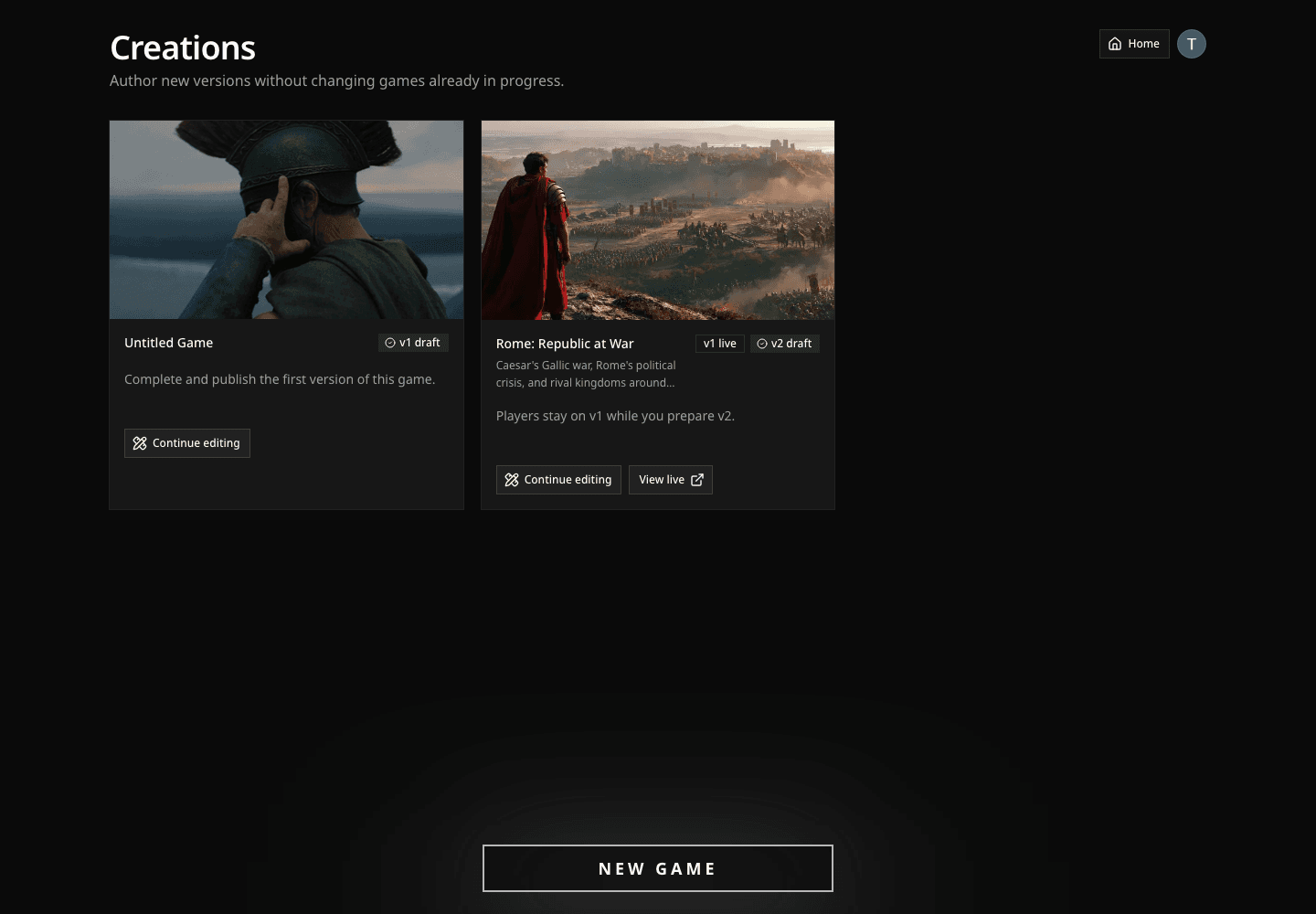
After submitting, the game lands on Creations with a Generating badge while Davia prepares the map, characters, poster, and sound. Once generation completes, the badge switches to Awaiting verification. A Davia reviewer checks every submission before it goes public. You'll get an email when the game is published or if changes are needed.

Once your game is live, anyone who picks it from the showcase plays through it the same way as in Beginner's Guide.