
Multiplayer
Play one shared game with friends, from the room to each new turn.
Share a world with friends
Multiplayer puts your characters in the same game and the same changing world. Each person plays one character. Your choices meet the same people, places, and events, so a decision by one player can change what the others face next.
You act as your character, while the group moves time forward together.
Start a room
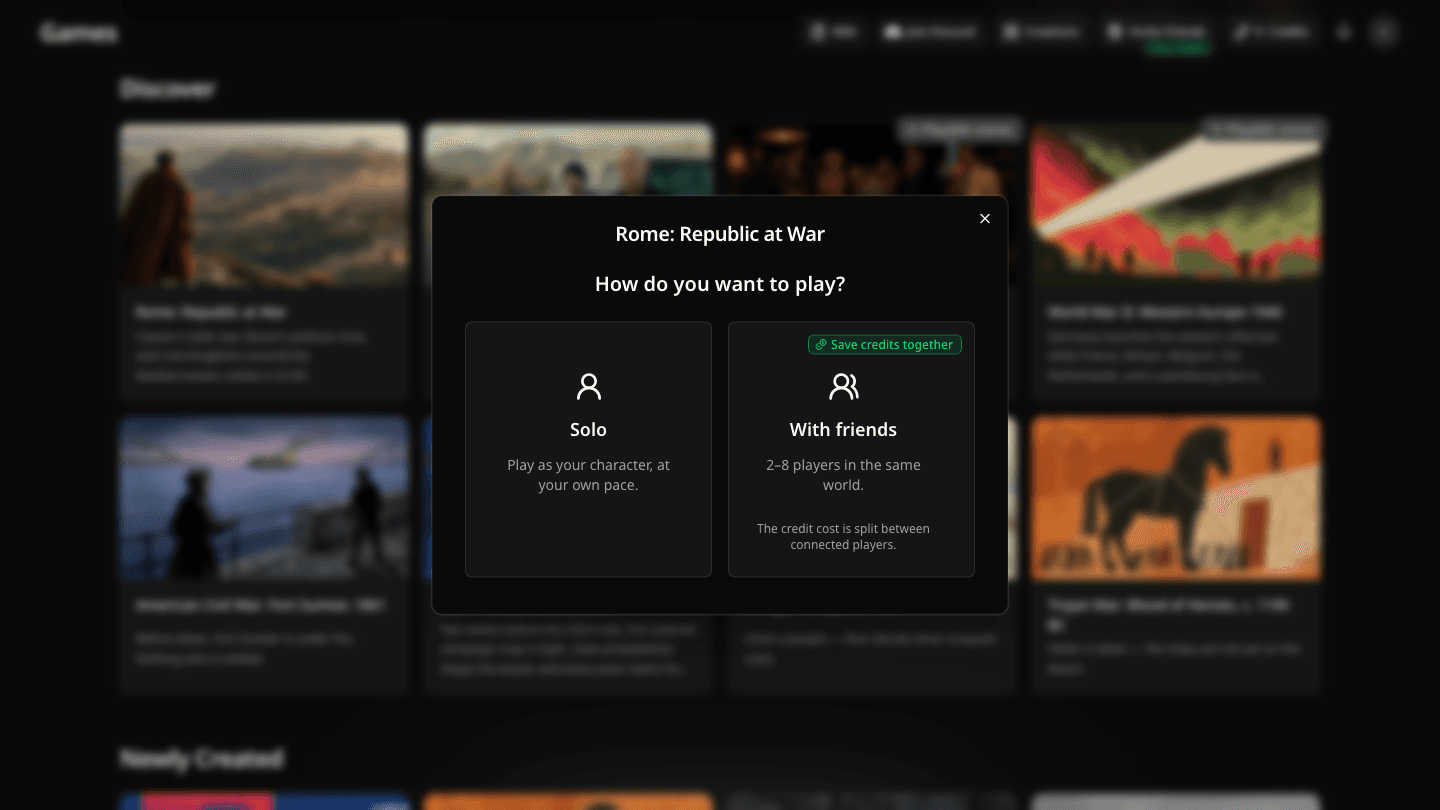
Choose a game and select Multiplayer on its page, or select Play now on a game card and then With friends.
In the room, select Copy link and send the invitation to the friends you want to play with. They need to sign in to join.
Each player selects an available character or creates their own. If no starting place is suggested, they choose one on the map.
Once at least two players have chosen characters, the host selects Start game.
The room holds up to eight players. Keep the invitation link among the people you want in your game; anyone with the link can join if a spot is open.
Choose characters and settings
Each player claims one character before the host starts. You can choose someone from the game's cast or make your own. The room shows who has joined and which spots remain. An existing character can be played by only one person in the room.
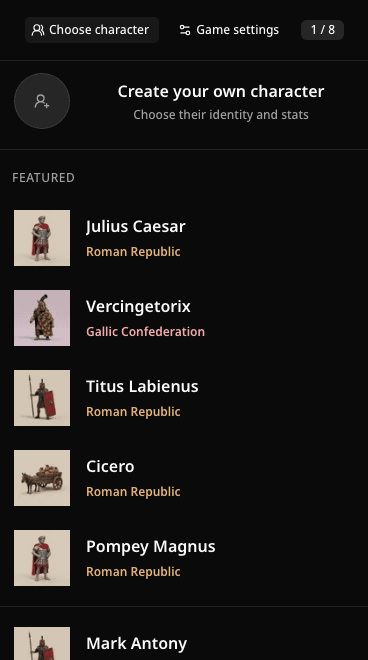
Choose your place in the shared world. The cast offers different starting roles, and each choice gives your friend a distinct point of view on the same map.
In Rome: Republic at War, one friend might play Julius Caesar while another chooses Vercingetorix. Their plans can collide on the same map.
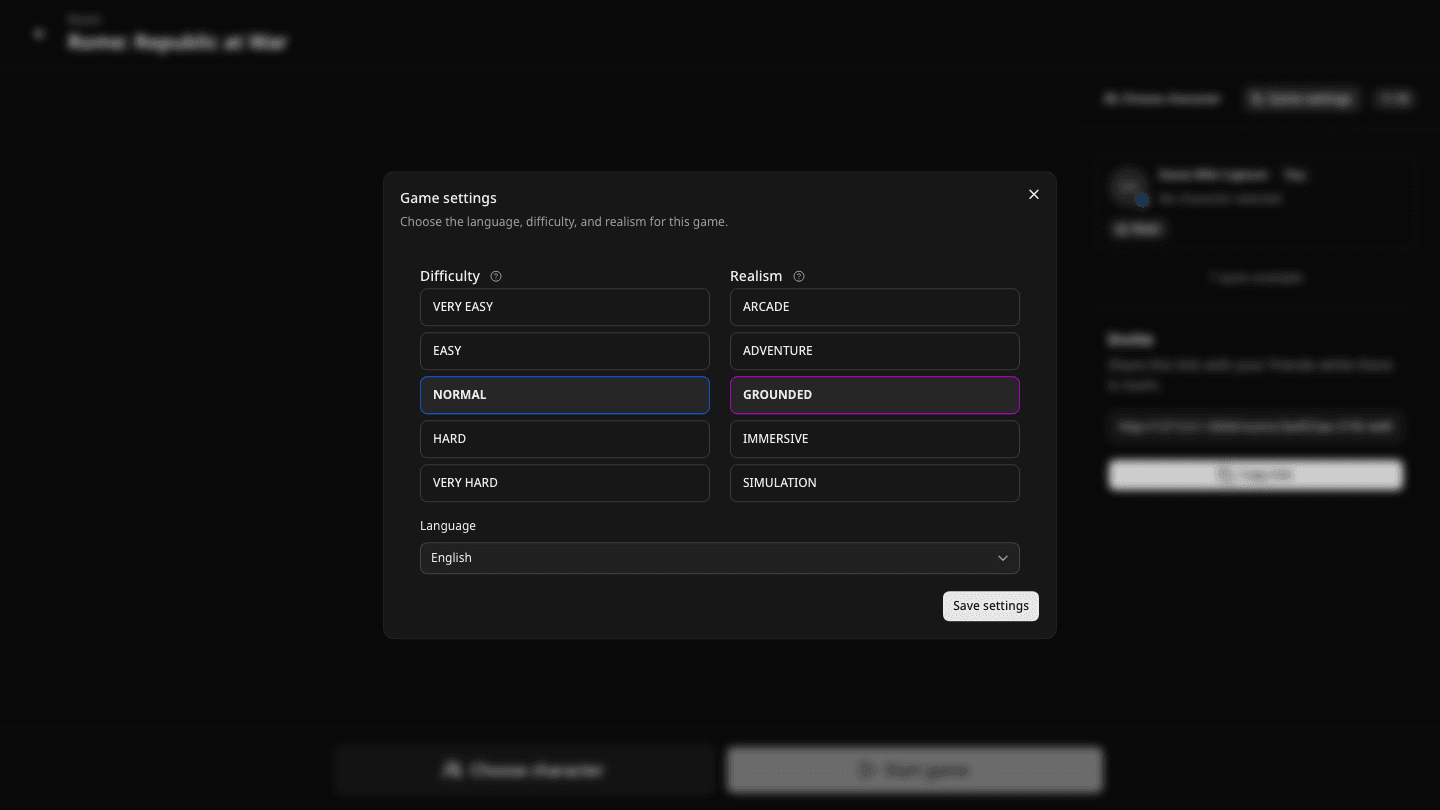
Before launch, the host can open Game settings to choose the game's language, difficulty, and realism. The language sets the shared narration; players can still write their actions in their own words. Game settings explains what difficulty and realism change.
Play each turn together
Everyone prepares actions for their own character, then the group chooses how far time moves. Add the actions you want to attempt and select Jump forward to vote on the next stretch of time. The vote has a timer, so the game can keep moving even when someone does not answer. Davia brings the actions together into one sequence of events for the whole world.
Read the shared journal and map after the turn. The world can help, resist, or surprise any of you. Your characters do not automatically know everything the players can see in the shared account of events.
Share the Credit cost
The cost of a shared turn is split among the connected players who can pay. The exact cost still depends on the game and what happens in that turn. Read Credits and rounds for how Credits work.
If someone runs out, the players with Credits can be asked whether they want to cover that player's share of future turns. Everyone asked must agree. If they decline, that player can watch but cannot submit actions until they can play again. If nobody can cover the next turn, the room asks players to get Credits before play continues.
Join later and come back
A friend can use the invitation after the game starts if a spot is open. They choose a character when the current turn has finished, then join the same world. Players who return to an existing room keep their place and can continue from its current state.
Open Players during the game to see who is present. If you are watching rather than playing, ask the host to let you play again.